Registration and Sign-in
- Registration and Sign-in
- Posting Ads
- Search and Browse
- My Account
- Quikr Doorstep
- Suggestions
- Contact Us
- Safety Tips
- Fraud
- Quikr Listing Policy
- Report
Registration provides recognition! Registering on Quikr is just a one-click work. We will keep you signed in and make your work easier and simpler.
Registering on Quikr is now a very simple process. It takes only 1 minutes to register and post your Ads
Click “Sign Up” tab in the top corner of the website
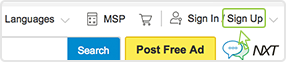
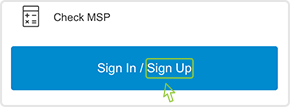
Please select your Sign Up option
You can directly login using your Facebook credentials as it is a secure, fast and convenient way of authentication.
You can enter your details correctly
Please enter your correct email address to get all your account and ad related updates in your inbox. Also to get replies and special offers from Quikr.
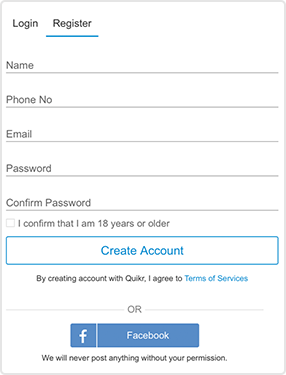
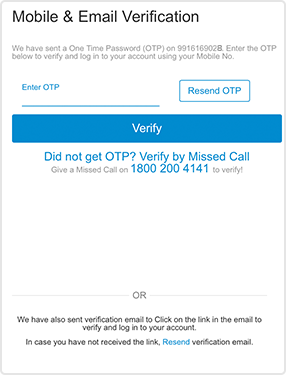
Once you submit the above information, you will be directed to Mobile/Email verification page.
Once the verification is done throught OTP/email link, you become a registered user of the site and can post Ads, manage your Ads and participate in community discussions.
Remember if you get stuck, you could view the Help tips that will automatically appear at every stage during the registration process.
Once registed you can now use your credentials to login to your Quikr Account.
No, you need not be a registered user to Post Ad on the site. But you need to provide your valid email address.
Registration allows to you to
- Post upto 25 Ads a day
- Get your own User Id
- Edit, delete, repost and check replies to your Ads
- Helps you participate in the community discussions
Sign in allows you to access your account and Ads posted on the site.
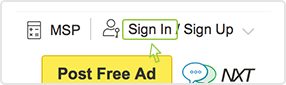
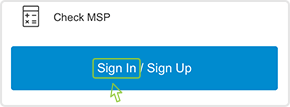
Click “Sign In” tab in the top corner of the website
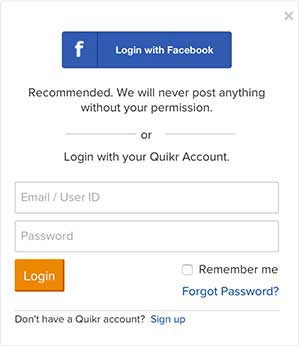
If you have a Quikr account, enter your registered mobile number/email address and password to sign into your account.

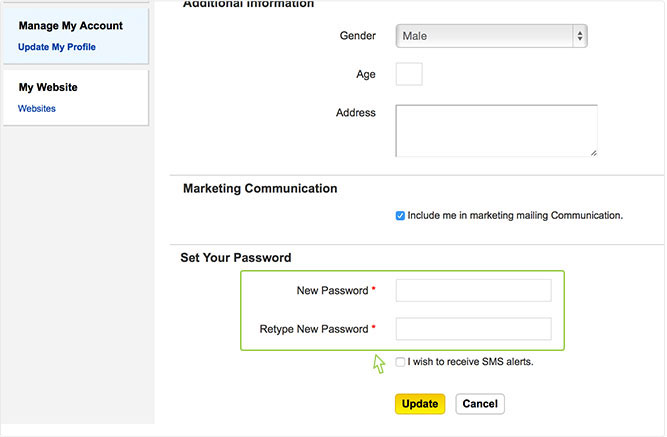
You can enter numeric or alphabetical character. To ensure the security of your password, password should be in length of 6-16 characters. Please don’t use your birthday or simple numbers like 123456 or abcdef as password. Please change your password after a certain period. You can change your password in My Account > Change My Password.
You can reclaim your password if you have forgotten it. Registered user’s who haven’t signed in for 90 days should reclaim their passwords and reset their new password in My Quikr.
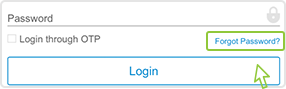
Click “Forgot your password?” link on the Sign In panel and it will display a page to “Create a new Password”.
Fill in your registration email address/mobile number to get the password, and click the“Send email” button.

It will display a successful message: “Your password has been changed. An email has been sent as confirmation.”

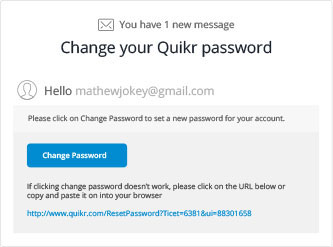
In the email you receive, click on the “Change Password” link to set your new password. After which, you can sign in and change your password in “My Account”.